A low-storage warning is not, by itself, a reason to buy the largest available expansion. Open the console's storage overview first. Separate games you currently play from completed titles, recordings and other files. Record how often you genuinely need to delete and download something again. A one-off shortage after installing several trials is different from a weekly interruption.
Consider which games must remain available together. These might include a shared family game, a regularly updated multiplayer title and your current single-player game. Allow room for that selection to change without budgeting for every release you might conceivably buy. More storage is useful when it removes identifiable waiting time or recurring management work.
Storage type before capacity
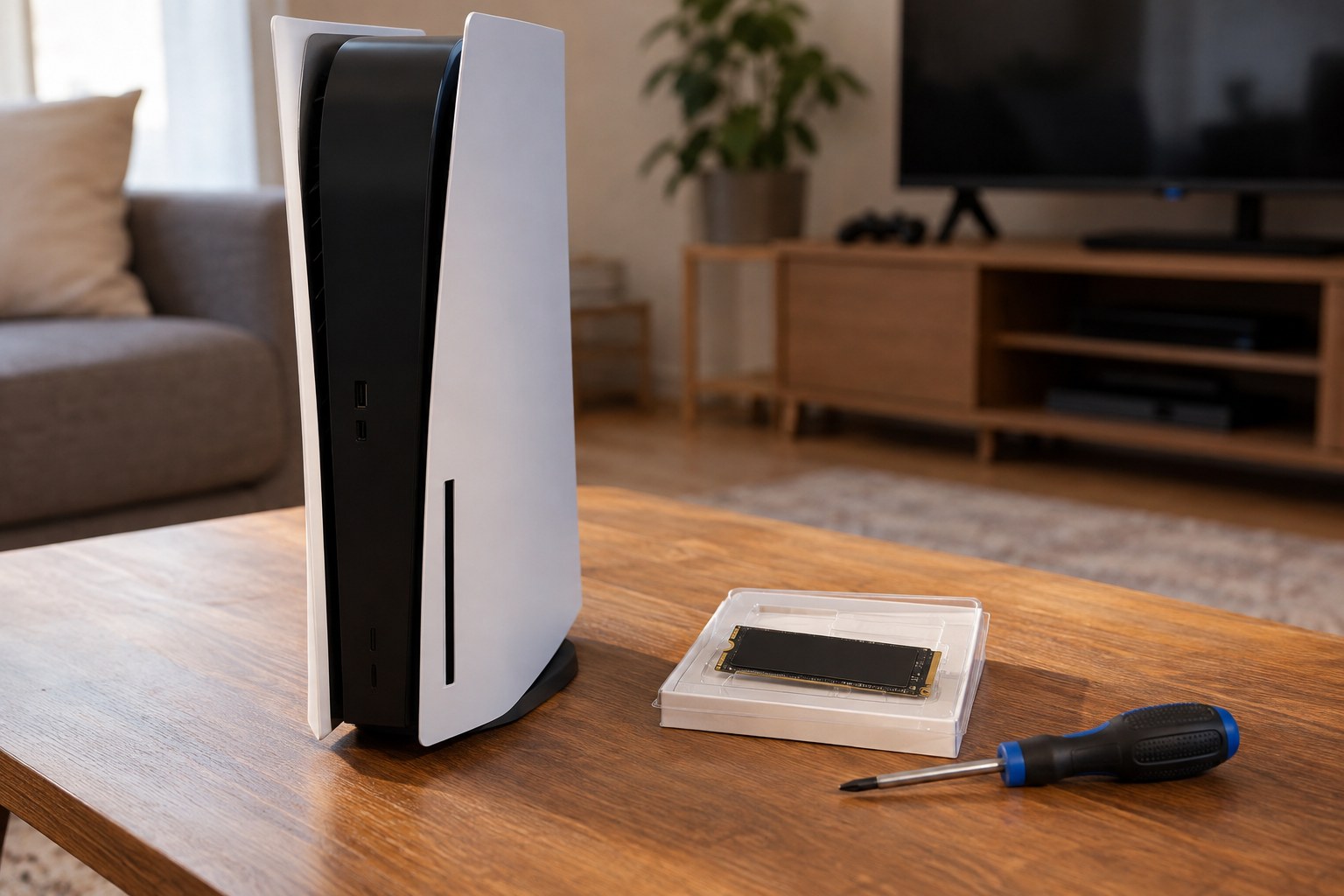
Read the documentation for your exact console. Storage that can hold a game and storage from which that game can run are not necessarily interchangeable. For a PS5, Sony specifies supported M.2 drives together with cooling and dimensional requirements. Take these details from the current manufacturer instructions rather than assembling individual numbers from an old retailer description.
A drive with the right advertised capacity is not automatically compatible. Its enclosure, cooling structure and intended connection also require checking. If you do not want to perform an installation yourself, ask about a suitable fitting service before ordering. A detailed video does not replace confirmation that your particular console and component work together.
Balance space against download time
With a fast, unlimited connection, reinstalling rarely played titles may be acceptable. A limited data allowance, a shared connection or long waits can change the calculation. Estimate the inconvenience from an ordinary week instead of the largest download you have ever encountered. The comparison should reflect your own household's routine.
Before changing storage, also check the instructions for safeguarding personal saves and recordings. Do not assume that an expansion is a backup. Keep essential account information available and follow the manufacturer's process. After installation, check the capacity recognised by the console and test the functions you bought the upgrade to support. A smaller supported drive can be enough when your active game collection remains modest. Keeping a record of the purchased model and its specifications will help if you later need support or decide to move the drive to another compatible setup.